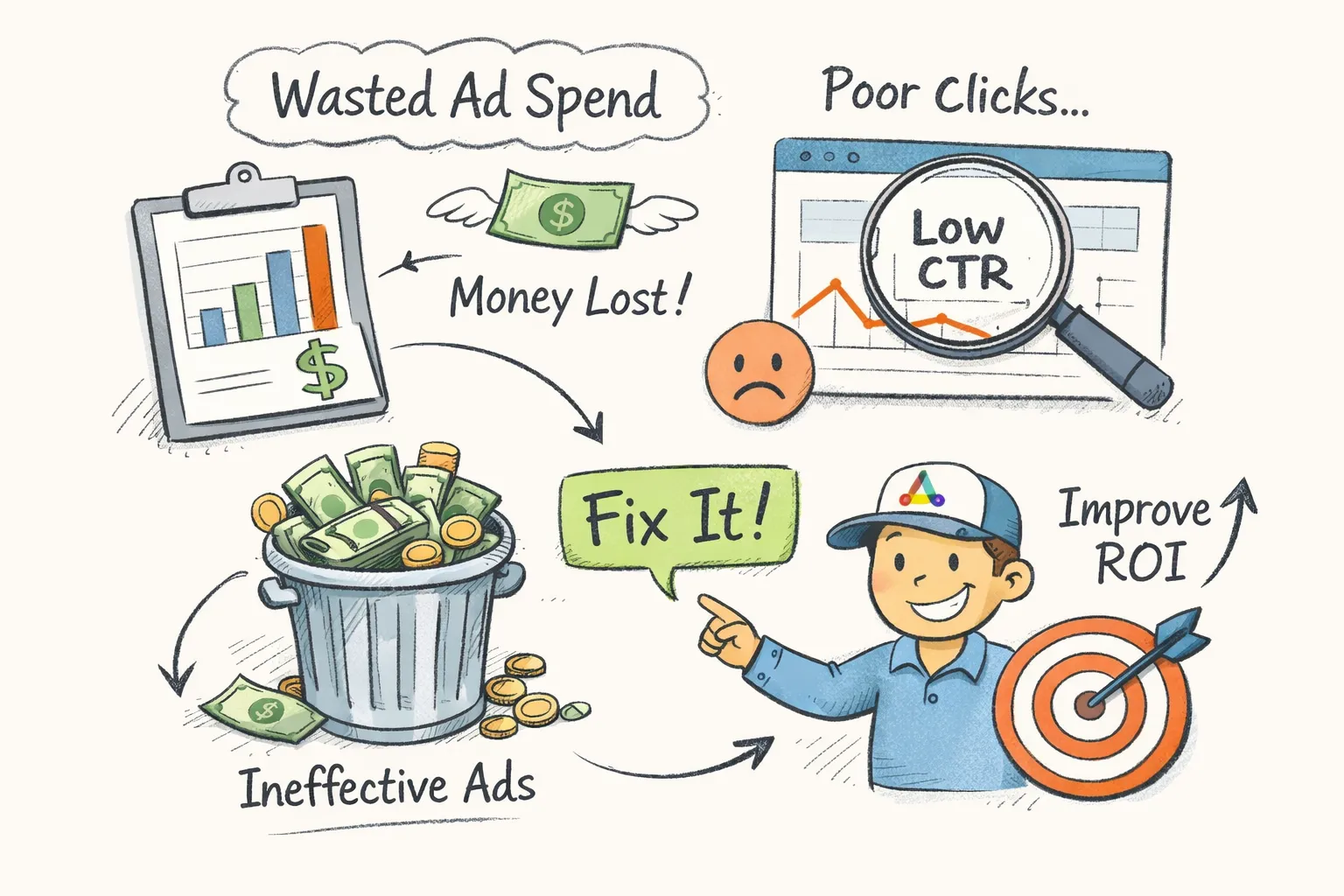
Many Google Ads accounts are leaking money right now, and wasted ad spend is often the last thing advertisers think to look for. The advertiser running them frequently has no idea where the budget is going, and the platform isn't exactly motivated to tell them. Industry analyses of self-managed accounts consistently find that 20, 40% of ad budget produces zero return, consumed by clicks that never had a realistic chance of converting. That's not a rounding error. On a $5,000 monthly budget, that's up to $2,000 disappearing every single month, an illustrative figure based on the high end of that 20, 40% waste range.
Wasted ad spend isn't a vague concept. It shows up in specific, identifiable places inside a Google Ads account: match types that cast too wide a net, search queries that should have been excluded months ago, and landing pages that fail the user the moment they arrive. These are among the most common sources of budget leakage in Google Ads accounts, and all three are fixable once you know where to look.
The biggest obstacle isn't complexity. It's the assumption that Google's native recommendations will surface these issues and fix them. They won't, and there's a structural reason for that. Platform recommendations tend to be oriented toward increasing spend rather than protecting it, a pattern consistent with how the platform generates revenue. That's why ad waste compounds quietly, month after month, until someone runs a proper account audit and sees the full picture.
What wasted ad spend actually means in Google Ads
Not every underperforming campaign represents waste. A campaign with a lower-than-target ROAS might just need better targeting, tighter creative, or a longer runway to accumulate conversion data. That's inefficiency you can fix through optimization. Genuine wasted ad spend is something more specific: budget consumed by clicks that had no realistic chance of converting, regardless of how well the rest of the campaign is managed.
Are hidden account issues quietly draining your budget?
CheckMyAds surfaces the exact keywords, components, and cost drivers behind waste so you know what to fix first.
Request Free AuditThe clearest example is a broad match keyword triggering an ad for a search that shares no intent with your offer. A user searches for "accounting degree programs," your ad for accounting software appears, they click out of curiosity, and you're charged. The click happened. The CPC was real. But there was never a match between what they needed and what you sell. That's not bad luck. That's a structural problem in how the campaign is set up.
Google's interface doesn't make this easy to see. Campaign-level reporting aggregates performance in ways that can make a bleeding account look passable. If your best keywords are driving solid results, they can mask the portion of search queries that are completely off-target, sometimes as much as 30% of total query volume. Catching ad budget leakage requires a deliberate diagnostic review, not just monitoring top-line metrics like CTR or impression share.
Broad match overuse: the most common source of advertising waste
Broad match gives Google's algorithm permission to show your ads for searches that are "loosely related" to your keyword. In practice, that definition stretches significantly. A keyword like "accounting software" can trigger ads for "free bookkeeping templates," "accounting degree programs," or "what does an accountant do." None of those searchers are looking to buy a SaaS product, but every click charges your budget at full CPC.
Why broad match creates ad spend leakage at scale
The scale of this problem is larger than most advertisers realize. With broad match enabled, a significant share of search terms fall into a category Google labels "other", meaning you can't fully audit what triggered your ad. Some analyses put this figure as high as 80% of queries in broad match campaigns, making it nearly impossible to identify and block irrelevant traffic without a systematic review process. In accounts with limited conversion history and no strong audience signals, broad match becomes a fast track to ad spend inefficiency and media spend waste.
Broad match isn't inherently bad, but it requires conditions many small and mid-sized accounts don't meet: substantial conversion data, tight audience signals layered onto the campaign, and active weekly monitoring of search terms. For accounts managing limited budgets, phrase and exact match protect spend far more reliably. Before adding or keeping broad match keywords, check whether your account genuinely has the data volume for the algorithm to make smart decisions. As a general heuristic, accounts generating fewer than 50 conversions per month per campaign are unlikely to give broad match the signal density it needs to perform well. If you need a practical primer on handling broad match properly, see guidance on [broad match keywords](https://strikepointmedia.com/blog/broad-match-keywords-google-ads/) and how to limit unintended triggers.
Missing negative keywords: how irrelevant searches drain your budget daily
A study analyzing 30 paid search accounts found that companies waste an average of 15% of their budget on irrelevant keywords alone. That figure only accounts for the negative keyword problem, separate from match type issues or landing page failures. The search terms report is where this waste becomes visible, and it's the most direct window into ad budget leakage available inside Google Ads.
Which search query types to exclude first
When reviewing the search terms report, three categories consistently generate high spend with near-zero return: competitor branded searches from users looking for a different company entirely, navigational queries from people who already know where they're going, and informational searches from users in research mode with no purchase intent. A search for "how to set up QuickBooks for free" triggering an ad for a competing accounting tool is a textbook example of wasted ad dollars that a well-maintained [negative keyword list](https://oneppcagency.co.uk/google-ads/negative-keyword-list/) would prevent.
Many accounts either have no negative keywords at all or a short list built once during setup that was never revisited. The categories every account should cover include job-seeking queries (careers, jobs, salary, hiring), generic informational queries (how to, tutorial, guide, DIY), bargain-hunting signals (free, cheap, discount) unless those match your offer, and unrelated product categories that share surface-level vocabulary with your keywords. The compounding effect matters here. Every irrelevant click doesn't just drain budget in the moment, it also signals to Google's algorithm that those query types are relevant to your account, making the problem worse over time if left uncorrected.
Landing page misalignment: where ad clicks go to die
An ad can be tightly written, the keyword can be perfectly matched, and the click is still wasted if the landing page doesn't deliver on what the ad promised. This is one of the most persistent forms of ad spend inefficiency, and it's almost entirely invisible inside the Google Ads interface. Advertisers see clicks, notice that conversions are low, and respond by adjusting bids or increasing budget. The real fix is on the page.
A concrete example: a user searches "same-day dentist appointment," clicks an ad with copy that reads "Book Your Same-Day Appointment," and lands on a general dental clinic homepage with no booking form, no availability calendar, and five different service categories to navigate through. The match between ad promise and page experience is broken. That click cost real money and delivered nothing. The user bounces, the account records another non-converting click, and the pattern repeats across hundreds of sessions without anyone identifying the root cause.
Wasted ad spend and Quality Score: the hidden cost multiplier
Google's Quality Score makes the cost of this visible in a different way. Landing page experience is one of three components that determine your Quality Score on a 1, 10 scale. A below-average rating on that component raises your effective CPC, meaning you pay more per click on traffic that already has low conversion potential. Fixing the alignment between your ads and landing pages reduces CPC and improves conversion rate simultaneously, compounding the return on every dollar you spend. For many accounts, it's one of the highest-leverage fixes available. For a technical reference on how Google evaluates page experience as part of auction-time decisions, see Google's documentation on [landing page experience](https://support.google.com/google-ads/answer/6167118?hl=en), and for practical design tips that improve conversion rates, read about [how landing pages affect ad conversion rate](https://www.replo.app/blog/how-landing-pages-affect-ad-conversion-rate).
How to calculate how much wasted ad spend you're carrying
The calculation doesn't require a spreadsheet model. Take your total ad spend over the past 30 days. Identify every campaign where CPA is above your target threshold or ROAS is below your breakeven point. Calculate what percentage of total spend those campaigns represent.
That percentage is a conservative floor estimate for your waste rate, conservative because it doesn't include the portion of spend within "passing" campaigns that's still going to irrelevant clicks. For a more granular view, build a short weekly dashboard around three signals: search terms with significant spend and zero conversions (use $50 as a starting heuristic), campaigns that have run for 30 days with spend but no attributed revenue, and ad groups with Quality Scores below 5. These thresholds are illustrative starting points, not hard rules, adjust them based on your average CPC and account scale. They function as early warning indicators that catch bleeding before it becomes structural. Accounts running broad match without active negative keyword maintenance are more likely to sit at the higher end of that 20, 40% waste range, which gives you a useful benchmark when evaluating your own numbers.
The fastest way to find all of this in one pass
A complete diagnostic for wasted ad spend needs to cover match type distribution, negative keyword coverage depth, search term quality across all active campaigns, landing page experience scores by ad group, conversion tracking accuracy, and campaign structure for cannibalization between Search and Performance Max. Doing this manually across a medium-sized account takes several hours and requires knowing exactly where to look and what signals to prioritize. Many accounts skip the audit entirely or run a surface-level review that misses the issues driving the most waste. For practical methods teams use to [find wasted PPC spend](https://www.seerinteractive.com/insights/find-wasted-ppc-spend), there are step-by-step guides available that mirror this checklist.
This is exactly what CheckMyAds is built to solve. The tool runs a full automated scan of your Google Ads account using read-only access, meaning no passwords are shared (see our Privacy Policy) and no changes are made without your review. It delivers a prioritized report ranked by budget impact, so you know immediately which issues to address first. CheckMyAds flags broad match overuse, surfaces accounts with thin or outdated negative keyword lists, identifies Quality Score problems tied to landing page misalignment, and checks conversion tracking integrity for common errors, all in one pass, in minutes.
The key difference from Google's own recommendations is that CheckMyAds has no structural incentive to suggest increasing your spend. Platform recommendations tend to favor budget expansion, that's consistent with how ad platforms generate revenue. CheckMyAds gives you an impartial diagnosis focused on one thing: making your existing budget work harder and stopping ad waste before it compounds further. To learn more about the process, see how it works.
Stop wasting budget before spending another dollar
Wasted ad spend isn't a mysterious problem. It has specific, identifiable causes, and every one of them is fixable. Broad match overuse, missing negative keywords, and landing page misalignment are among the most common sources of budget leakage in Google Ads accounts, and none of them require advanced expertise to address once they're clearly surfaced.
The worst response to poor Google Ads performance is adding budget or adjusting bids before understanding where current spend is going. That approach scales the waste alongside any gains. The right first move is always an audit: understand what's consuming your budget, fix the structural problems, then optimize from a clean baseline.
CheckMyAds does this automatically. It delivers a report you can act on the same day, prioritized by impact, with no credit card required to start. Before you touch your bids, add campaigns, or reallocate budget, run the scan. It takes minutes, and what it finds will likely change the decisions you were about to make.