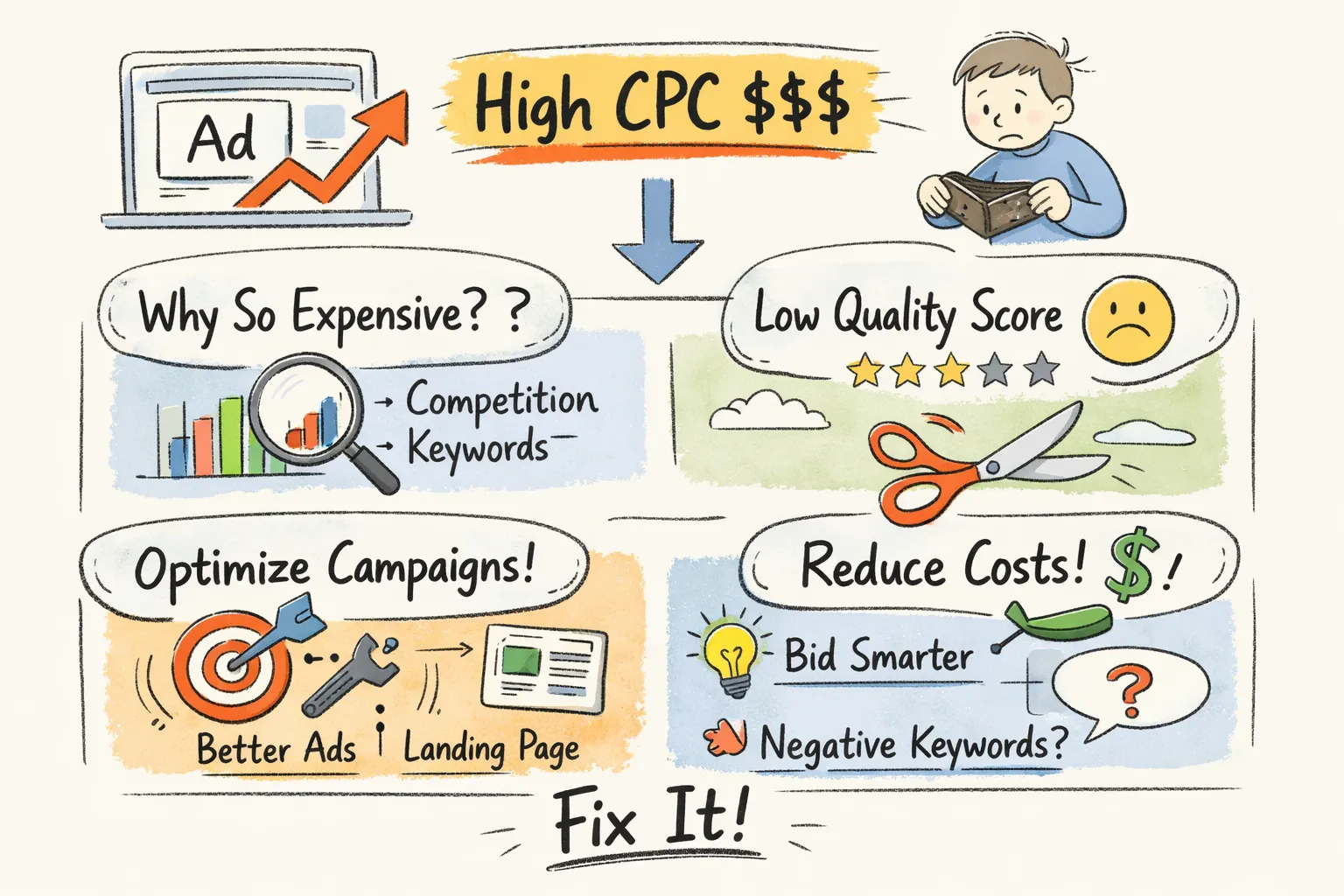
You open your Google Ads dashboard, check your cost-per-click, and the number is noticeably higher than last month. No major changes in your account. No obvious reason. Just a climbing CPC and a shrinking return on every dollar you spend. If you've been asking yourself why your Google Ads CPC is so high and how to fix it, you're dealing with one of the most common frustrations in paid search, and the reason it feels so hard to resolve is that the causes differ for every account. Applying the wrong fix wastes both time and budget.
Across hundreds of audits run through CheckMyAds, the same pattern appears repeatedly. Advertisers reach for bid adjustments when the real problem is ad relevance. They rewrite headlines when the actual issue is a search term report that hasn't been touched in six months. The result is accounts where the CPC stays high despite ongoing effort, because the effort is pointed at the wrong problem. What you need before touching anything is a clear diagnostic framework. That's what this article gives you.
Is your CPC actually a problem, or just what your market costs?
Before making any changes, confirm that your CPC is genuinely elevated rather than simply in line with industry norms. Skipping this check leads to unnecessary adjustments in accounts that are performing fine for their competitive context.
CPC benchmarks vary significantly by sector. Legal and dental services regularly see CPCs above $7, 8 per click. Finance and insurance keywords can reach $12 or more on Search. Travel and hospitality often sits below $2. The overall Google Ads average across industries is roughly $1.31 on Search, but that number hides enormous range. Year-over-year increases have been steep in certain categories: per WordStream's 2024 industry benchmarks, Beauty and Personal Care is up over 60%, and Education over 40%. A CPC that "went up" isn't automatically a red flag. For published industry comparisons, see these PPC benchmarks to know where your numbers sit (PPC benchmarks).
Are hidden account issues quietly draining your budget?
CheckMyAds surfaces the exact keywords, components, and cost drivers behind waste so you know what to fix first.
Request Free AuditIf your CPC clears the benchmark check and remains high relative to your industry, the next step is to look at the keyword level rather than the account average. Sort your keywords by CPC descending in Google Ads and identify the specific terms driving the number up. An account-level average can easily be distorted by one or two high-competition keywords while the rest of the account runs efficiently. Separating a true account-wide issue from an isolated keyword problem changes the scope of the fix considerably.
Why is my Google Ads CPC so high? Three root causes to diagnose first
Once you've confirmed your CPC is above benchmark, the diagnostic narrows to three root causes that account for the overwhelming majority of high cost-per-click problems in Google Ads accounts.
Quality Score drops and the cost penalty they create
Quality Score operates as a pricing multiplier in Google's auction. A score above 5 earns a discount on your effective CPC; a score below 5 triggers a percentage premium on every click you buy. At Quality Score 3, you're paying up to 67% more than a competitor with an average score bidding the same amount. At Quality Score 8, you're getting a 37% discount. The gap is significant, and it compounds.
The compounding happens because Quality Score affects Ad Rank, which determines your position, which affects your visibility, which affects your CTR, which feeds back into Quality Score. A drop in one component, ad relevance or landing page experience, for example, sets off a slow-motion cost spiral that accelerates without active intervention. Catching a Quality Score decline early is worth far more than recovering from a fully degraded account. For additional context on how Quality Score movement ties to CPCs, see this analysis of Quality Score and CPCs (Quality Score & CPCs).
Increased competition entering your auctions
New advertisers, seasonal demand surges, and competitor budget increases can all drive CPC up without any change on your end. Brazil's Black Friday period is a clear example: advertisers across retail, travel, and consumer services pile into the same auctions, and CPC spikes across entire categories for weeks. This is normal auction behavior, but it feels like your account broke because the cost increase is sudden.
The Auction Insights report in Google Ads is the most direct way to confirm whether competition is the driver. Export the report for a period before and after the spike, then compare. New competitor names with high overlap rates and rising impression share tell you exactly what happened. If no new competitors appear and your own metrics are unchanged, the cause lies elsewhere in your account.
Smart bidding volatility during the learning phase
Switching to Maximize Conversions or Target CPA frequently causes overnight CPC spikes. Google's algorithm explores a wide range of bids during its learning phase, which typically runs 7, 14 days or until around 30, 50 conversions accumulate. During this window, CPC can swing dramatically as the system tests signals and recalibrates. Without enough conversion data, smart bidding overbids aggressively and erratically, often pushing CPC two to six times above its previous level. For guidance on causes and prevention of CPC spikes related to bidding and algorithmic changes, review this discussion on CPC spike causes and prevention (Google Ads CPC spike causes).
The signal that bidding strategy is the cause is timing: the spike starts within 24, 48 hours of a strategy change and coincides with the learning phase indicator in your campaign status. If your account has fewer than 30 conversions per month, automated strategies will almost always produce more volatility than value until that data threshold is reached.
How Quality Score directly controls what you pay per click
Quality Score is the highest-leverage variable most advertisers can actually control, unlike competition, which you can respond to but can't reduce. That distinction matters when you're trying to fix a high Google Ads CPC, because it determines where to invest your effort first.
Quality Score is built from three components: expected CTR, ad relevance, and landing page experience. Expected CTR reflects your historical click-through rate relative to competitors over the past 90 days. Ad relevance measures how closely your ad copy matches the search query's intent. Landing page experience evaluates whether users find what they were promised after clicking: fast load times, mobile optimization, and content that matches the ad. Each component is rated below average, average, or above average, and each contributes to your effective CPC in the auction formula.
You can find each component's rating directly in Google Ads by navigating to Keywords, adding the Quality Score columns, and expanding to view the sub-scores. A "below average" rating on any single component tells you exactly where to focus. A one-point improvement in Quality Score translates to a meaningful CPC reduction: moving from QS 5 to QS 6 saves roughly 17% per click, and moving to QS 8 saves 37%. On a campaign spending thousands per month, those are not marginal gains.
Tactical fixes ranked by how fast they work
With the cause identified, apply fixes in order of impact speed. Starting with the fastest wins builds momentum and often uncovers secondary issues as the account stabilizes.
Start with negative keywords and match type tightening (results in 1, 7 days)
Irrelevant search queries entering your campaigns through broad or phrase match inflate spend, drag down CTR, and hurt Quality Score. Pull your search term report, filter for zero-conversion queries with meaningful spend, and add them as negatives. Focus first on high-volume, low-intent modifiers like "free," "DIY," "cheap," or "how to." The impact is fast: blocking irrelevant traffic improves your CTR almost immediately, and accounts with significant irrelevant traffic typically see 10, 25% CPC reductions within one week of systematic negative keyword cleanup.
Shifting high-waste keywords from broad to phrase or exact match is a complementary step. Exact match reduces your exposure to low-relevance auctions, and long-tail keyword variants with location modifiers often carry significantly lower competition than head terms. Run both changes together for the fastest combined effect. For a tactical guide to lowering average CPC with creative match type and negative keyword strategies, see this resource on how to reduce average CPC (how to reduce average CPC).
Fix ad relevance and landing page alignment (results in 2, 4 weeks)
Ad relevance improvements take longer to register in Quality Score because Google recalculates based on accumulated click data. The fix itself is straightforward: include the target keyword in the headline, ensure the ad's promise matches exactly what appears on the landing page, and remove generic copy that could apply to any advertiser in your category. A disconnected experience between ad and landing page hurts both ad relevance and landing page experience scores simultaneously.
For landing pages, the checklist is: load time under 3 seconds, mobile-responsive design, content that directly addresses the search intent, and a CTA that matches the ad's offer. A landing page that promises "50% off running shoes" in the ad but opens on a generic homepage fails the experience test immediately. Quality Score improvements from these changes accumulate over 2, 4 weeks, with CPC reductions compounding further as the algorithm registers the improved signals. If you'd rather automate the diagnostic step that surfaces landing page experience flags and ad relevance mismatches, CheckMyAds can scan at scale and point you to the exact ad-group and landing page problems.
Adjust bidding to reduce cost volatility
If smart bidding is the diagnosed cause, the approach depends on where you are in the data cycle. If conversion volume is too thin to support automation, revert to manual CPC and build the data baseline first. If the spike is recent and volume is adequate, a bid cap within a portfolio bidding strategy can contain damage while the algorithm recalibrates. Applying ad scheduling bid adjustments to reduce spend during historically low-performing hours is a low-risk lever that cuts waste quickly while the broader strategy stabilizes.
Why is my Google Ads CPC so high? How to find exactly where the problem lives
Knowing the causes is one thing. Finding exactly where in your account the problem lives is another. An account with 15 campaigns and hundreds of keywords across multiple match types requires a structured diagnostic process. Without one, you end up applying fixes based on whichever number caught your eye first rather than a prioritized view of where the impact actually is.
The data you need exists inside Google Ads, scattered across keyword reports, Quality Score columns, the Auction Insights report, and search term data. Pulling and cross-referencing all of it manually across a full account takes hours, and even then, patterns that only emerge when you view the account as a whole are easy to miss.
CheckMyAds automates this diagnostic layer. The tool scans every campaign, ad group, and keyword in your account and surfaces the specific elements driving your average CPC up, ranked by cost impact. On the output side, it separates two distinct views:
- What it scans: Quality Score sub-scores by keyword, search term spend versus conversion data, bidding strategy change history, and landing page experience flags at the campaign level. To learn more about how it works and what the scan includes, visit the How It Works page.
- What it surfaces: The highest-cost Quality Score problems, budget-draining irrelevant queries, and campaigns where a recent strategy change is creating measurable volatility, each ranked by dollar impact so you know what to fix first.
The initial scan requires no credit card and takes minutes, not hours.
Where to go from here
When your Google Ads CPC is high and you're trying to fix it, the diagnostic step is what separates an account that recovers from one that stays expensive despite ongoing effort. The fix that works for a competition problem won't move the needle if the real issue is ad relevance. Diagnosing first, then acting, is the difference.
The fastest path to lower CPC is fixing the right thing first, in the right order. Begin with negative keywords and match type cleanup for immediate relief. Follow with ad relevance and landing page alignment for medium-term Quality Score gains. Then stabilize your bidding strategy once the account has clean signals to work with. If you want a clear view of exactly where the problem lives before touching anything, run a CheckMyAds audit. You'll have a prioritized action list in minutes.