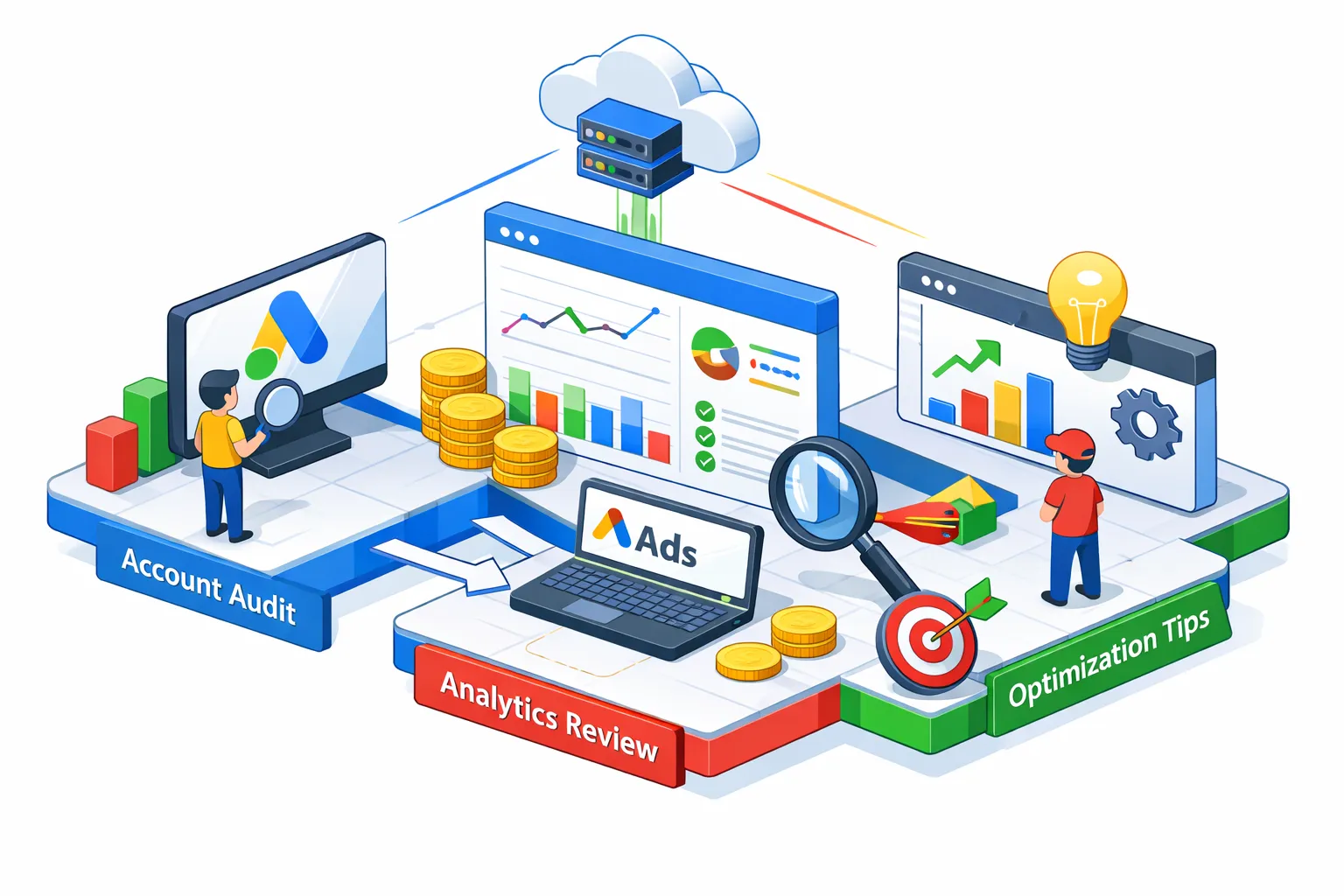
How to audit a Google Ads account step by step begins with a simple truth: most accounts have significant wasted spend buried in places most people never think to check. Running a full Google Ads account audit, step by step, is the only reliable way to surface those losses before they compound. A disorganized account doesn't just waste money, it produces data you can't trust, which makes every optimization decision downstream less reliable. Once you know what to look for, the problems follow predictable patterns.
This article walks through six audit phases covering account structure, campaign settings, search terms, ad copy, conversion tracking, and Performance Max. Think of it as a practical Google Ads audit checklist you can work through on any account. If you want to compress this entire process into minutes rather than hours, a tool like CheckMyAds automates the full scan and returns a prioritized report. But understanding each phase manually makes you a sharper operator regardless of what you use. Work through this the right way and you'll know exactly where your budget is going and how to stop the bleeding.
1. How to audit a Google Ads account step by step: account structure and naming conventions
Why naming conventions reveal more than you'd expect
The audit starts at the account level, not inside individual campaigns. A disorganized naming structure is one of the clearest signals that the account has grown reactively rather than intentionally. When you can't tell what a campaign targets just by reading its name, you're already in trouble. A clean convention like *[Location]_[Product]_[CampaignType]_[Goal]* takes seconds to read and makes bulk analysis across dozens of campaigns tractable.
How to spot campaign overlaps before they drain your budget
Overlapping campaigns targeting the same audience or keyword set create internal competition. Two campaigns bidding on the same query raise your own CPCs without producing more conversions. Pull the auction insights report and cross-reference it with your keyword lists across campaigns. Where you see the same themes duplicated without clear segmentation, you've found budget fragmentation.
Are hidden account issues quietly draining your budget?
CheckMyAds surfaces the exact keywords, components, and cost drivers behind waste so you know what to fix first.
Request Free AuditChecking whether your campaign types match your actual goals
Confirm that dedicated campaigns exist for branded terms, remarketing audiences, and each distinct business objective. Branded keywords mixed into generic campaigns produce distorted ROAS figures and make it impossible to set appropriate bids. If every campaign goal is "traffic" with a Max Clicks strategy, the account hasn't been built around outcomes. Fix the structure first, because every optimization downstream depends on it.
2. Campaign settings and bidding: where assumptions become expensive
The campaign settings most people configure once and forget
Location targeting hides one of the most common and costly defaults in the platform. The "presence or interest" setting sends ads to users who have merely mentioned a location in a search query, not users physically located there. For most advertisers, this should be set to "presence only." Check device bid adjustments next: if mobile traffic converts at half the rate of desktop but receives no bid reduction, you're subsidizing low-quality traffic at full price.
Evaluating bidding strategies against your conversion volume
Smart Bidding strategies require sufficient data to function correctly. The accepted threshold is roughly 30 conversions per month per campaign, below that, the algorithm lacks enough signal to bid accurately. If a campaign running Target CPA has fewer than 30 monthly conversions, consider switching to Maximize Conversions without a target until the data volume supports it. Review each campaign's conversion history before assuming the bidding strategy is working as intended.
Budget pacing and the constraint problem
Check whether high-performing campaigns are running out of budget daily while underperforming ones spend freely. A campaign marked "limited by budget" is a clear indicator of misallocated spend across the account. Reallocating budget from low-ROAS campaigns to constrained high-performers is often the fastest lever available. Don't overlook Search Partners and Display Network opt-ins on Search campaigns either, they're enabled by default and rarely deliver equivalent conversion rates.
3. The search term and negative keyword audit: where most wasted spend actually hides
How to read your search terms report for budget leaks
Pull the full search terms report from Campaigns > Insights & Reports and sort by spend. Classify each query into intent tiers: high purchase intent, informational, and irrelevant. For any account running broad match keywords without a robust negative infrastructure, you'll find irrelevant queries consuming a meaningful percentage of budget. In CheckMyAds, Contact account scans, wasted spend from irrelevant broad match traffic frequently represents 20, 40% of total budget for mid-size accounts, a pattern that shows up consistently across industries.
Building negative keyword lists that actually stick
Negative keywords applied only at the ad group level leave gaps. Build lists at the campaign level and account level to prevent irrelevant queries from slipping through on new ad groups. Shared negative keyword lists, applied at the MCC level for agencies managing multiple accounts, prevent the same mistakes from recurring across clients. Review and update these lists after every significant seasonal shift, because queries that were irrelevant in January may be relevant in November, and vice versa.
Match type balance and its effect on traffic quality
Accounts leaning too heavily on broad match without negative infrastructure are the most common culprits for runaway spend. Broad match has a legitimate role when paired with Smart Bidding and sufficient conversion data, but it requires constant search term monitoring. Use Quality Score as a diagnostic signal: low scores on your core keywords indicate relevance problems, and the search terms report almost always explains why. A Quality Score below 5 on a high-spend keyword is a flag worth investigating immediately.
4. Ad copy, assets, and landing page alignment
Reviewing responsive search ads and asset performance signals
Every ad group should have at least two active responsive search ads. Inside each RSA, check the asset performance ratings in the interface: "Best," "Good," and "Low" ratings guide refinement, but don't delete low-rated assets without first testing replacements. The system needs variation to learn which combinations resonate. A common mistake is over-pruning RSAs based on initial ratings, which reduces the algorithm's ability to optimize over time.
Catching disapproved ads before they cost you impression share
Disapproved ads silently kill impression share, and most advertisers only notice the problem months after it starts. Filter your ads by status and look specifically for any "Disapproved" or "Limited" flags. A single disapproved ad in an ad group with only two active ads means you're running on one creative, which both limits learning and increases risk. Ad policy compliance should be part of every monthly account review, not just full audits.
Message match and the landing page conversion gap
A high CTR paired with a poor conversion rate almost always points to a landing page problem, not a keyword problem. The ad promised something the landing page didn't deliver. Check page speed (aim for under 3 seconds on mobile) and verify that the headline on the landing page echoes the ad's core message. Shorter forms convert better across virtually every industry, so review form length while you're there. If the ad promotes a specific offer, that offer needs to be the first thing a visitor sees when they land.
5. Conversion tracking and Performance Max: the technical and the complex
How to verify your conversion tracking is actually recording correctly
Conversion tracking is the one area where a silent error poisons every other decision. Use Google Tag Assistant or GTM Preview Mode to confirm the conversion tag fires on the actual confirmation page, not site-wide. Then check the conversion status column in Google Ads: "No recent conversions" and "Unverified" are both red flags that require immediate attention. A pattern CheckMyAds sees regularly in new account scans is conversion tracking recording a fraction of actual conversions, often caused by a misplaced tag firing on the wrong page after a site redesign.
Common GA4 and Google Ads attribution mismatches
When Google Ads and GA4 show significantly different conversion counts, the likely culprit is attribution model inconsistency or a missing event import. Verify that GA4 is linked to Google Ads via Admin > Product Links, and confirm that conversion events like "purchase" or "lead" are properly imported into Google Ads with matching event names and parameters. Cross-check conversion volumes between platforms weekly, a sudden divergence usually signals a tag break caused by a site update.
Performance Max audit: asset coverage, audience signals, and cannibalization
For Performance Max campaigns, verify that each asset group meets the minimum asset requirements: at least 15 headlines, 5 descriptions, multiple image sizes, and at least one video. Check that audience signals are active; without them, the algorithm relies entirely on Google's inference, which is slower and less precise. Then check whether PMax is cannibalizing branded Search traffic. If your branded Search campaigns have seen declining spend or impression share since PMax launched, use auction insights to confirm the overlap. A 2023 analysis of 503 Google Ads accounts by search marketing researcher Nils Rooijmans found that 91% showed keyword overlap between Search and PMax, with PMax frequently winning auctions on branded terms despite lower efficiency.
6. How to audit a Google Ads account step by step: turning findings into a prioritized action plan
How to rank fixes by impact so you act on the right things first
An audit is only useful if it produces action. Structure your findings as a prioritized list, not a flat inventory of problems. High-impact, low-effort fixes go first: adding negative keywords from the search terms audit, fixing a broken conversion tag, or pausing a budget-consuming campaign with zero conversions. Structural changes, campaign reorganization and bidding strategy overhauls, come second. Longer-term optimization work, like creative testing programs and landing page rebuilds, goes last.
What a clean audit report should include
A well-structured audit report contains four elements for each finding: the issue identified, the estimated wasted spend or performance impact, the recommended fix, and a priority level (high, medium, low). This format makes the report immediately actionable for whoever implements the changes, whether that's you, a client, or a colleague. Skip the narrative and focus on the findings table. A report that takes 20 minutes to read is a report that won't get read.
Using CheckMyAds to cut hours of audit work into a single scan
A thorough manual audit of an account with 10 to 20 active campaigns takes 6 to 8 hours. For freelancers and agencies reviewing new client accounts regularly, that time cost is unsustainable. CheckMyAds: Professional Landing Page automates the full process: it scans the account with read-only access, runs AI-driven analysis across every campaign type including Search, Display, Performance Max, Shopping, and Demand Gen, and returns a prioritized report in minutes. The output follows exactly the format described above: issues ranked by impact, recommended fixes, and estimated waste. It's not a replacement for understanding the audit process, it's what you use once you do understand it and need to run it at scale.
A Google Ads audit is a discipline, not a one-time event
Accounts drift. Settings change, match types expand, conversion tags break after a site update, and Performance Max campaigns quietly absorb branded traffic that should belong to dedicated Search campaigns. Advertisers who catch these issues early spend significantly less on waste than those who review their accounts quarterly at best. The six phases covered here form a complete PPC account audit: structure, settings, search terms, ad copy, tracking, and Performance Max.
If you want to know how to audit a Google Ads account step by step, the search terms report is the right place to start. It's the fastest way to find real money being spent on irrelevant queries, and the fix, adding negative keywords, can be implemented the same day. For the full picture across all six phases, run a scan with CheckMyAds.online, How It Works and get your prioritized action list in minutes. Every day you wait is another day your budget funds clicks that were never going to convert.